Best 9 Tools To Manage References

Managing references used to be one of the most tedious parts of academic work. Researchers spent countless hours manually saving PDFs, fixing broken metadata, formatting citations, and trying to keep track of what they had already read. Today, reference management tools have evolved far beyond simple citation storage. Many now include automation, recommendation engines, and increasingly, AI-driven analysis.
That said, not all tools are built with the same philosophy. Some focus on stability and large libraries, others on collaboration, and newer platforms are rethinking the entire research workflow using AI from the ground up.
To make sense of the landscape, it helps to group these tools into two broad categories:
Established reference managers that use automation and limited AI to improve efficiency.
Next-generation AI research assistants designed for deep analysis, summarization, and interactive research.
Let’s explore both groups in detail.
Established Reference Managers with AI and Automation
These tools are the backbone of academic research for millions of scholars. Their primary focus is organizing large libraries, generating citations, and reducing repetitive manual work. AI is usually applied in specific areas like recommendations, metadata cleanup, or PDF handling rather than full analytical reasoning.
1. Zotero
Overview Zotero is a free, open-source reference manager that has earned a loyal following across academia. It runs as a desktop application and pairs with a powerful browser connector that can save citation data from almost any website or academic database in a single click. One of Zotero’s biggest strengths is its flexibility, supported by a large ecosystem of community-built plugins.
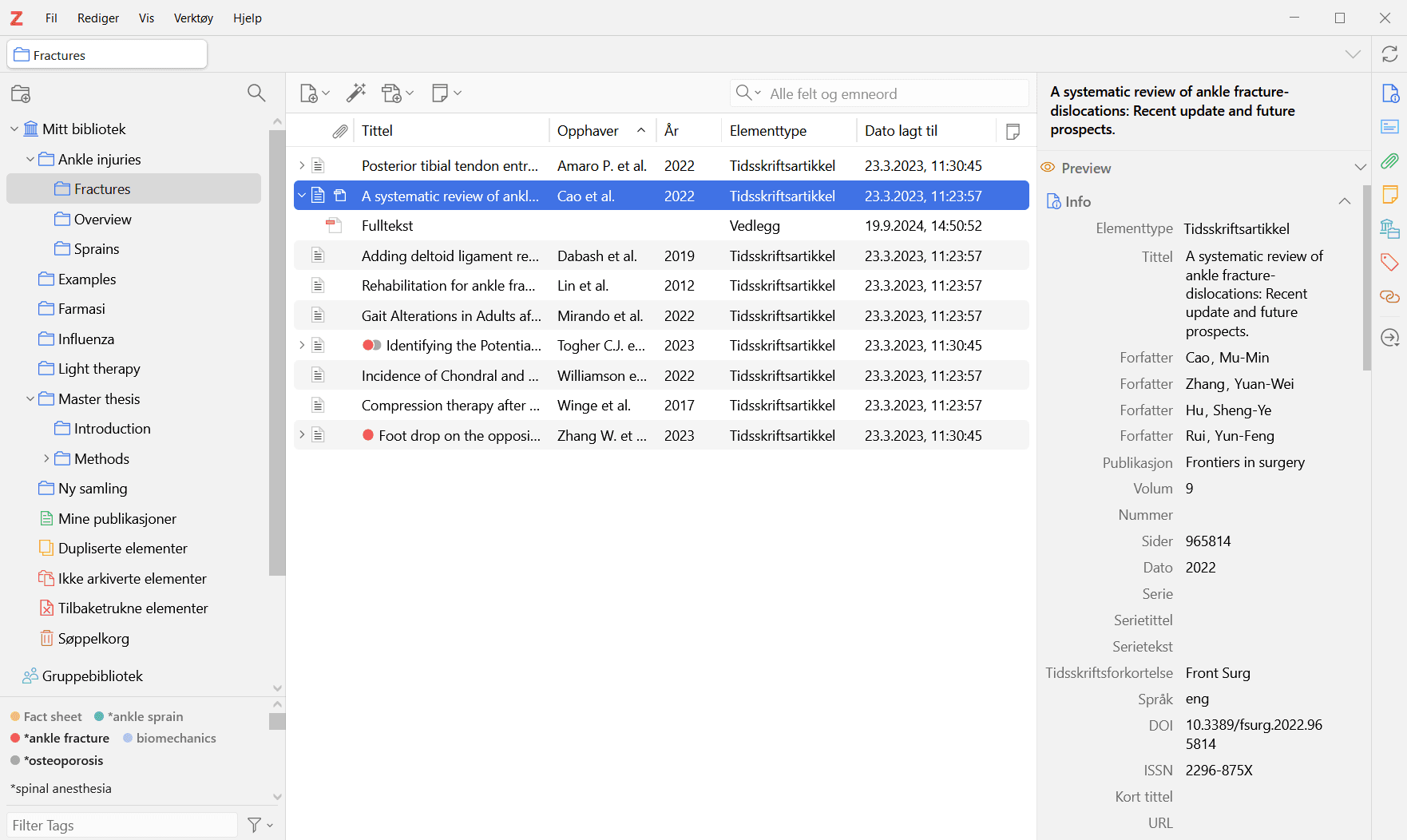
What Zotero does best Zotero excels at capturing sources from the web. Whether you are saving peer-reviewed articles, government reports, news stories, or legal documents, Zotero handles it with remarkable accuracy. It is especially popular among researchers who write in LaTeX, thanks to strong BibTeX support, and among those who value transparency and open-source software.
Limitations to consider Zotero’s free cloud storage is limited to 300MB, which fills up quickly if you store PDFs. Users often need to upgrade to a paid plan or connect third-party storage like WebDAV. In addition, most advanced AI features such as summarization or question answering rely on third-party plugins rather than native functionality, which can feel fragmented for some users.
2. Mendeley
Overview Owned by Elsevier, Mendeley combines reference management with an academic social network. It offers a modern interface and cloud-based syncing, making it accessible across devices. Mendeley aims to be not just a citation tool, but also a discovery platform.
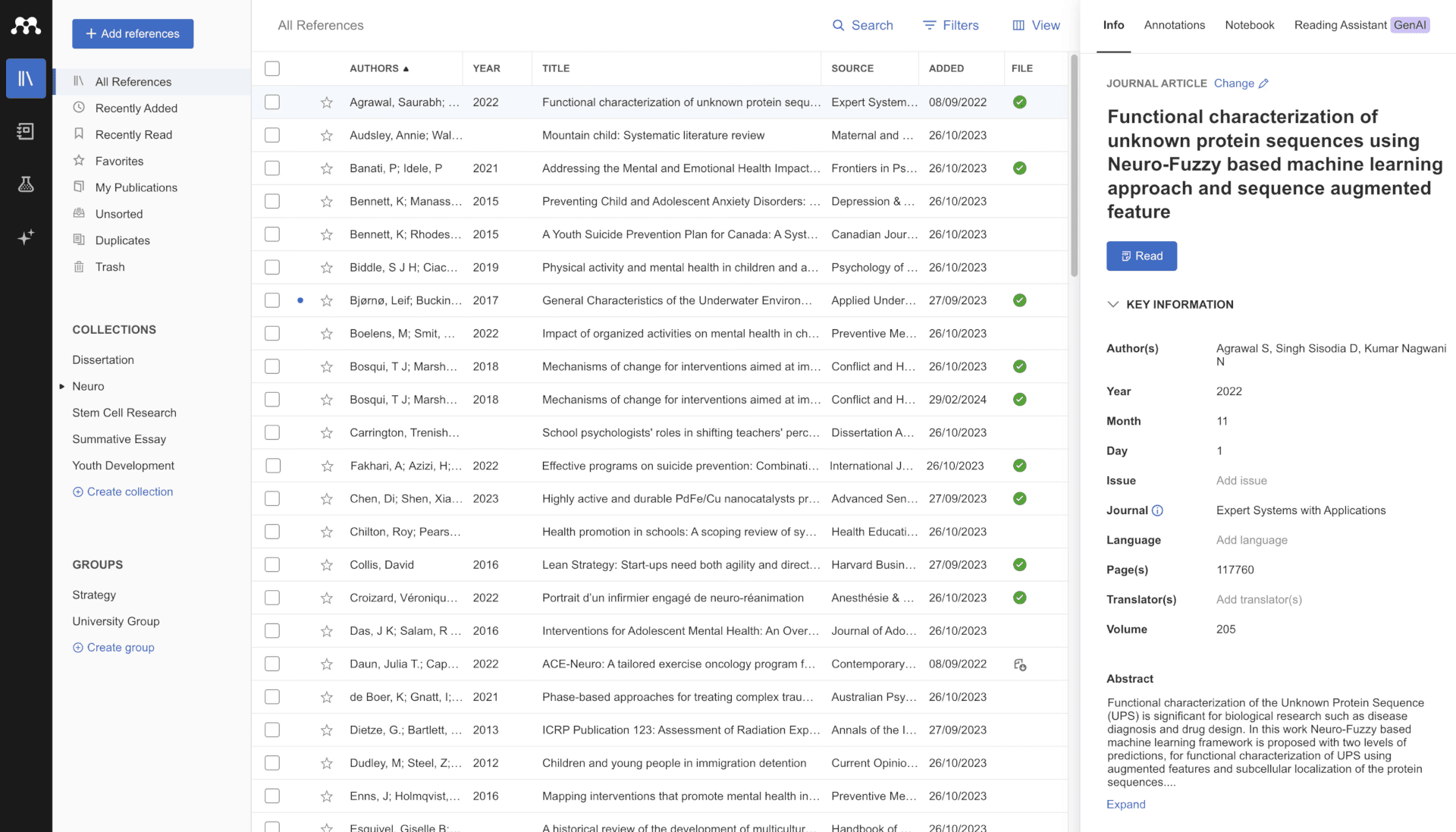
What Mendeley does best Mendeley stands out in academic discovery. Its recommendation engine suggests relevant papers based on your library, which can be very helpful when exploring a new research area. The tool also provides 2GB of free cloud storage, along with solid PDF highlighting and annotation features that are easy to use.
Limitations to consider Some researchers are cautious about vendor lock-in, especially given Elsevier’s role in academic publishing. The transition from the older desktop app to the newer Reference Manager has also caused frustration for long-time users due to missing features and workflow changes.
3. EndNote
Overview EndNote, developed by Clarivate, is considered the gold standard in many institutional and professional research environments. It is a powerful desktop-based tool designed for advanced users managing extremely large reference libraries. EndNote integrates deeply with Microsoft Word and supports highly complex citation workflows.
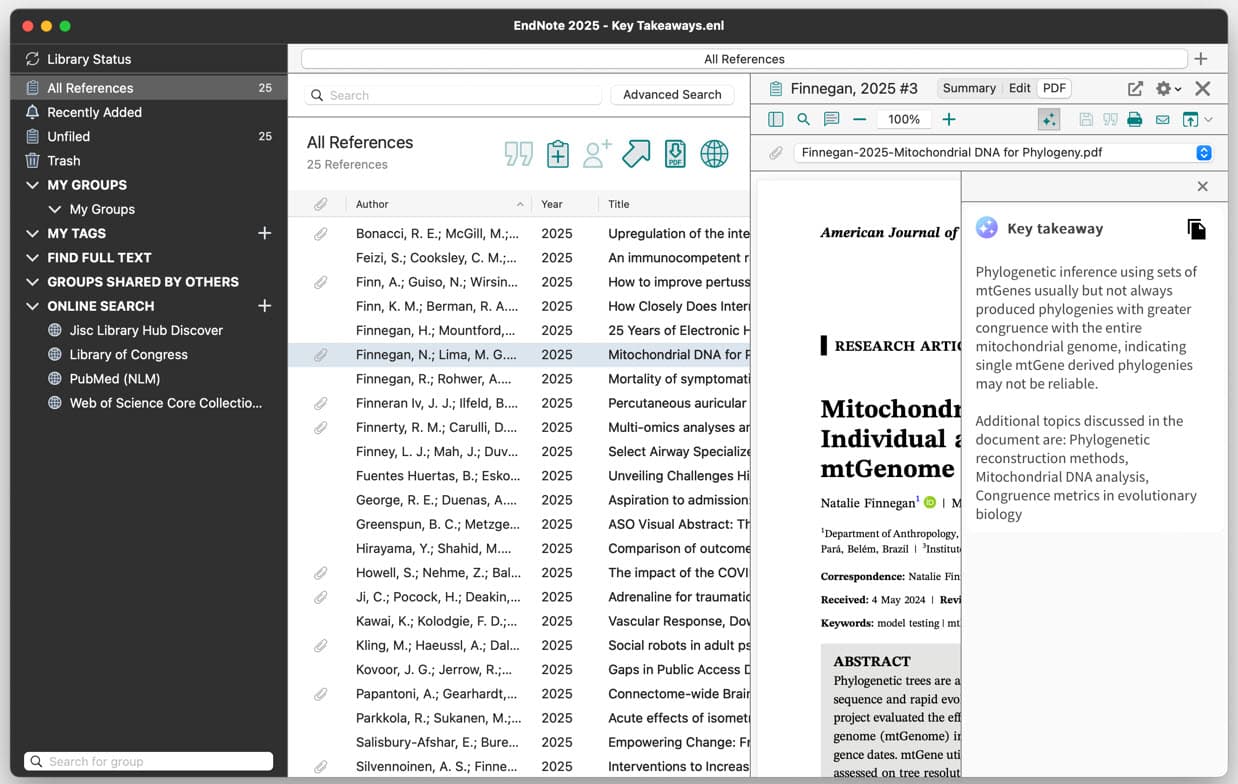
What EndNote does best EndNote shines when handling massive libraries with tens or even hundreds of thousands of references. Its automated full-text retrieval and advanced citation control make it ideal for systematic reviews, grant writing, and long-term research projects where precision matters.
Limitations to consider EndNote is expensive and often only accessible through institutional licenses. The interface can feel cluttered and intimidating, especially for early-career researchers. There is also a steeper learning curve compared to newer, cloud-first tools.
4. Paperpile
Overview Paperpile is a cloud-based reference manager built around simplicity and speed. It integrates tightly with Google Chrome, Google Docs, and Google Drive, making it especially popular among researchers who work primarily in the Google ecosystem.
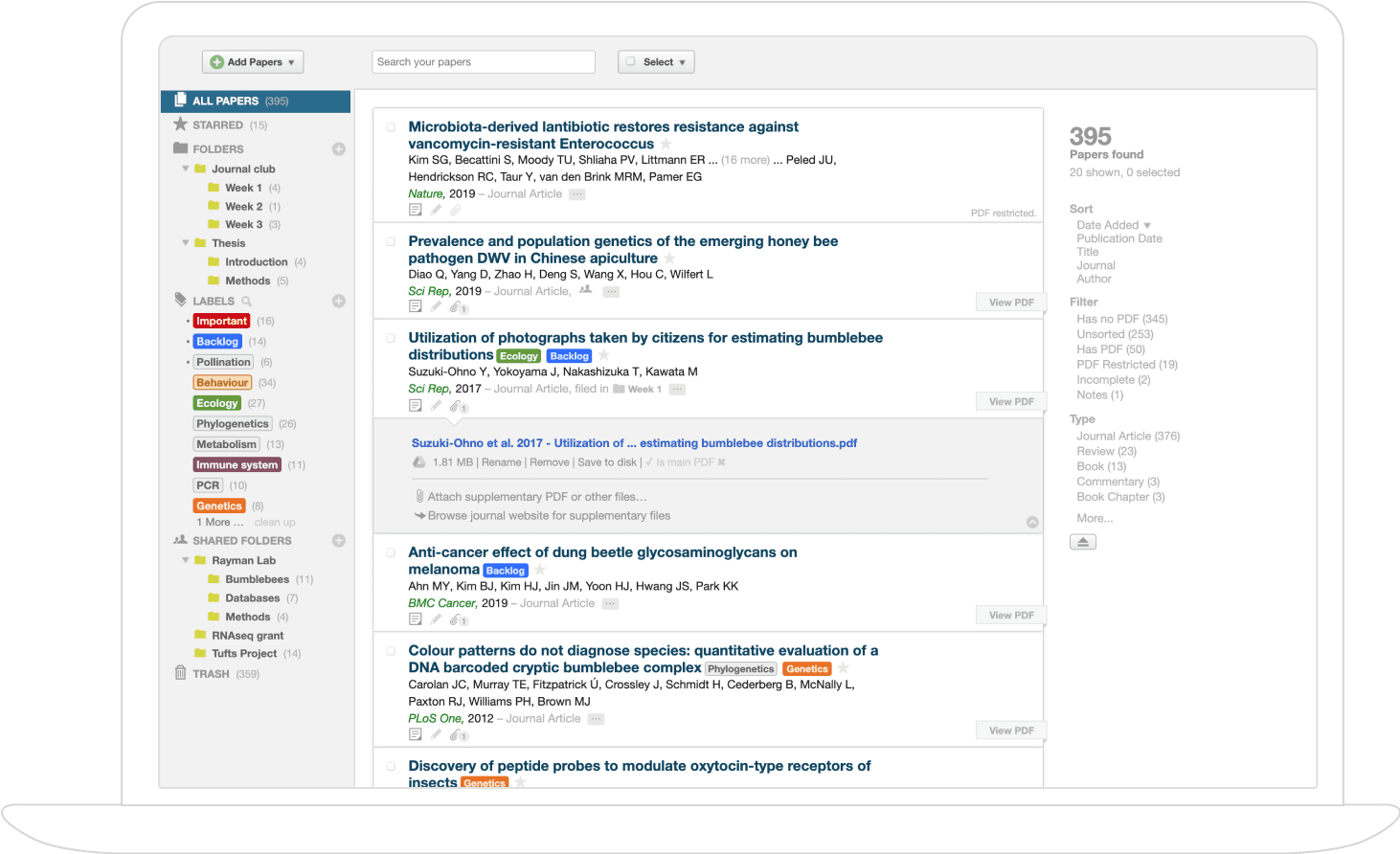
What Paperpile does best Paperpile offers one of the best citation experiences in Google Docs. You can insert references and format bibliographies in real time while collaborating with others, without worrying about file conflicts. On paid plans, it provides unlimited storage through Google Drive, which is a major advantage for PDF-heavy workflows.
Limitations to consider Paperpile is subscription-based and does not offer a fully free version. While it supports Microsoft Word, its strongest features are clearly designed for Google Docs users. Researchers who rely on desktop-based writing tools may find it less flexible.
5. RefWorks
Overview RefWorks is a web-only reference manager typically provided through institutional subscriptions, especially universities and research libraries. It focuses on simplicity, collaboration, and accessibility without requiring local software installation.
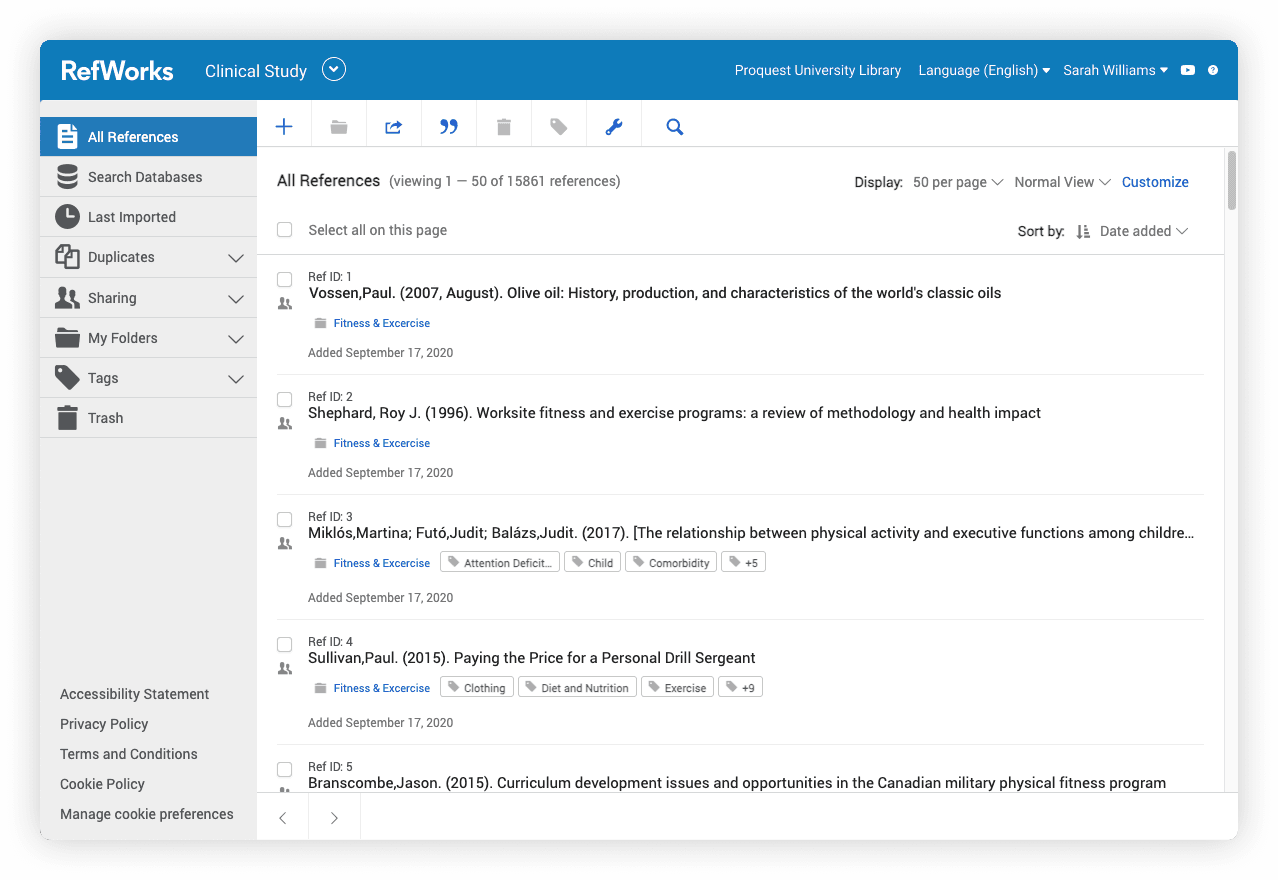
What RefWorks does best RefWorks works well for group projects and classroom settings. Shared libraries, real-time collaboration, and cloud access make it easy for teams to work together. It also supports a wide range of citation styles, which is useful in multidisciplinary environments.
Limitations to consider RefWorks lacks the advanced control found in desktop tools like EndNote or the customization options available in Zotero. Access is usually tied to institutional subscriptions, meaning you may lose access after graduation or changing institutions.
Next-Generation AI Research Assistants
These tools are built with AI at their core. Rather than simply managing references, they aim to help researchers understand, compare, and synthesize knowledge directly from their documents.
6. Zetaref
Overview Zetaref is an AI-powered reference management and research intelligence platform built for modern researchers. It goes beyond storing PDFs and formatting citations by transforming your paper library into a searchable, interactive knowledge base. Zetaref is designed to support the entire research lifecycle, from reading and sense-making to synthesis and writing.
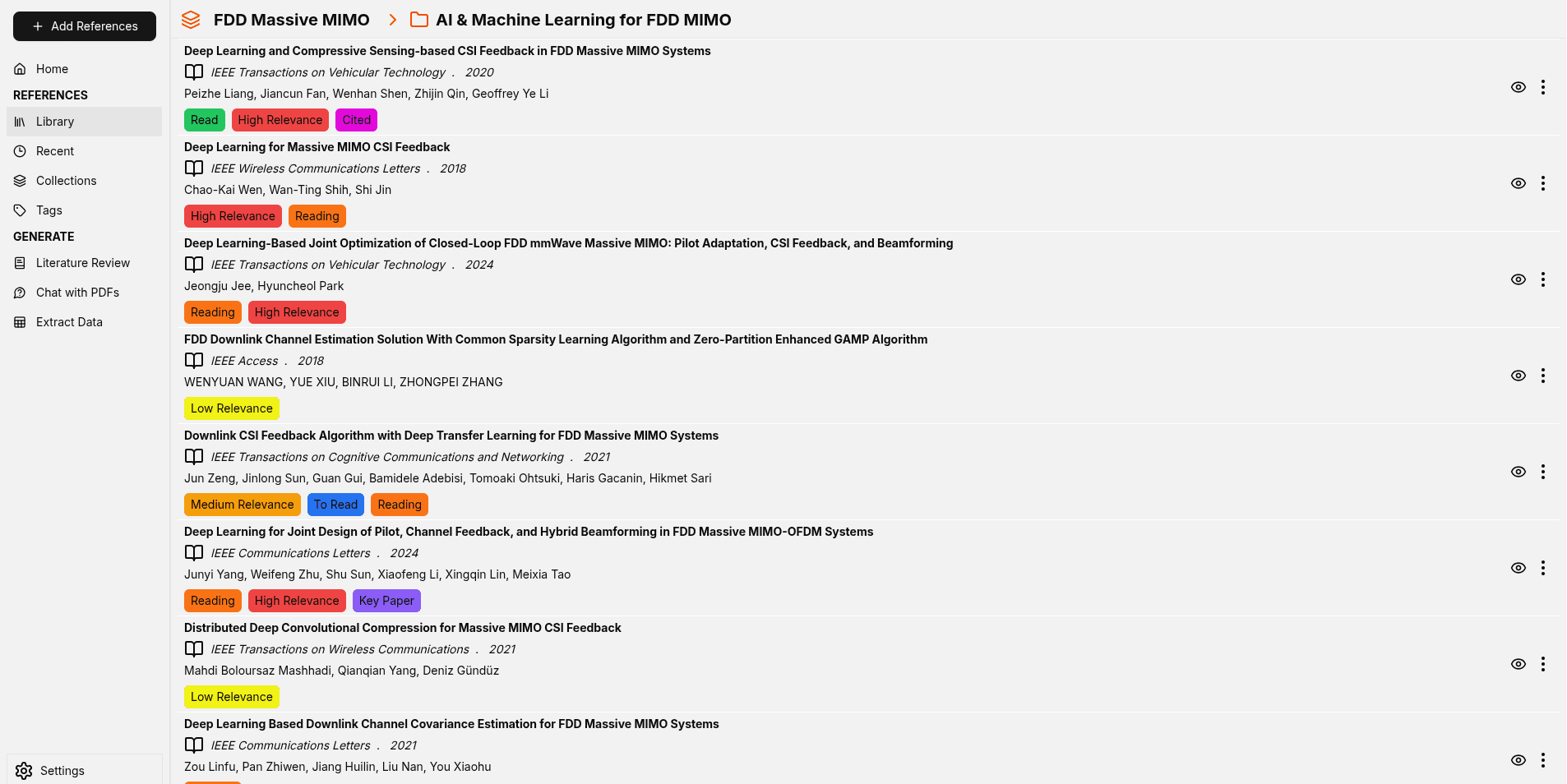
What Zetaref does best Zetaref excels at turning scattered research into structured understanding. You can chat with one or multiple PDFs in natural language, instantly querying methods, results, or definitions without rereading entire papers. Its AI helps generate literature reviews, surface themes across studies, and compare findings at scale.
Zetaref also shines in structured research workflows. It can extract IMRAD and PICO elements, making it especially powerful for systematic reviews and evidence-based research. Combined with deep PDF annotation, semantic organization, and citation-aware notes, Zetaref bridges the gap between reading and writing.
Limitations to consider While Zetaref supports advanced synthesis and structured extraction, conducting a fully PRISMA-compliant systematic review requires a more expensive subscription tier. Researchers running large-scale or highly regulated reviews should factor this into their planning.
7. Anara
Overview Anara is an AI-powered research workspace designed specifically for verifiable academic work. Its defining principle is “grounded AI,” meaning the system only generates answers that are directly supported by your uploaded documents.
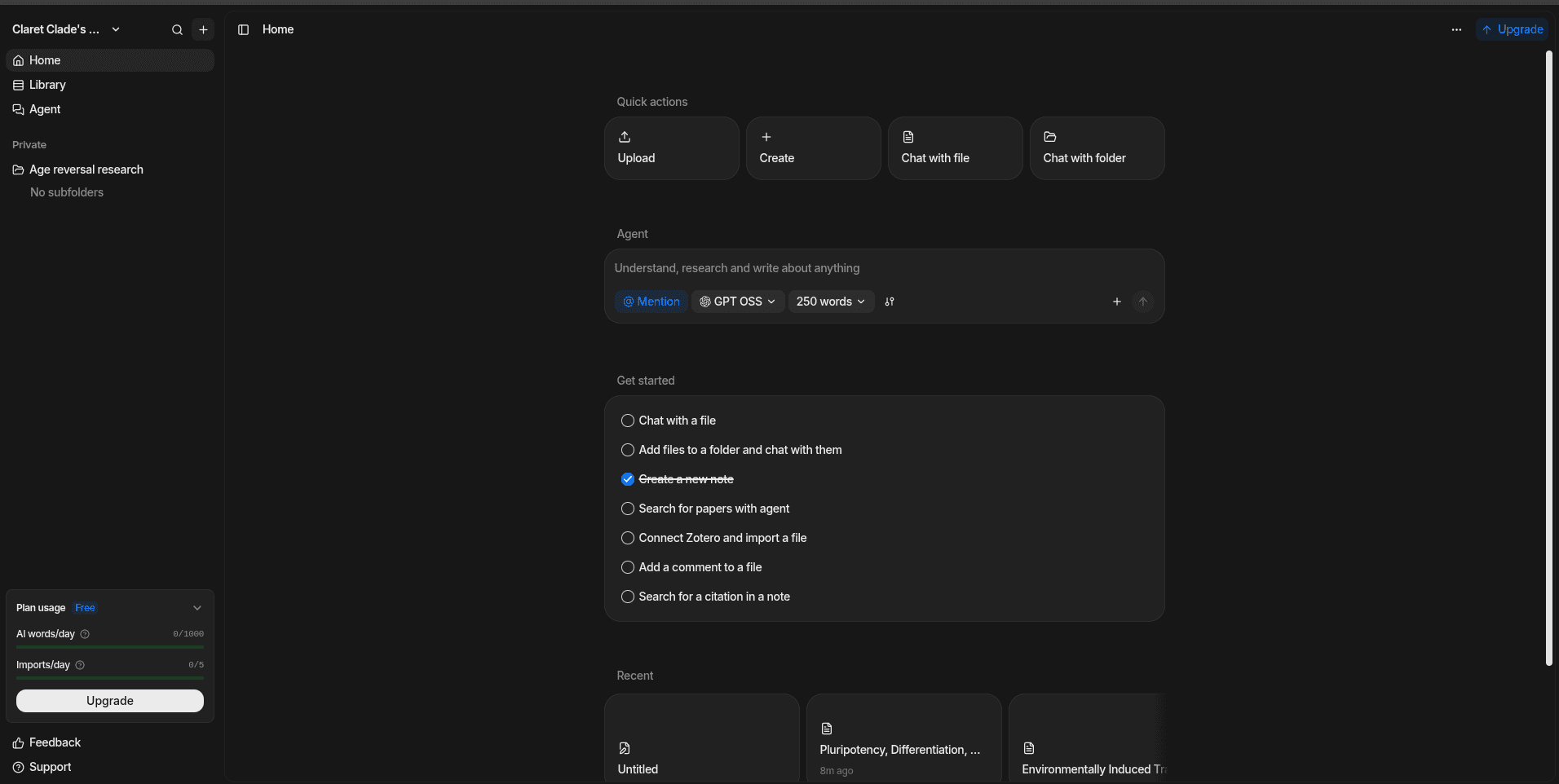
What Anara does best Anara excels at trustworthy AI analysis. When you ask a question, it provides clear answers with direct links to the exact passages used, making verification easy. It is also strong for creating study aids such as flashcards, summaries, and quizzes directly from research papers.
Limitations to consider The free tier is limited, and full access requires a paid plan. As a newer platform, its integrations with traditional citation managers and writing tools are still developing.
8. Petal
Overview Petal is an AI research assistant designed to synthesize information across multiple documents. It is especially focused on helping researchers compare findings across many papers at once.
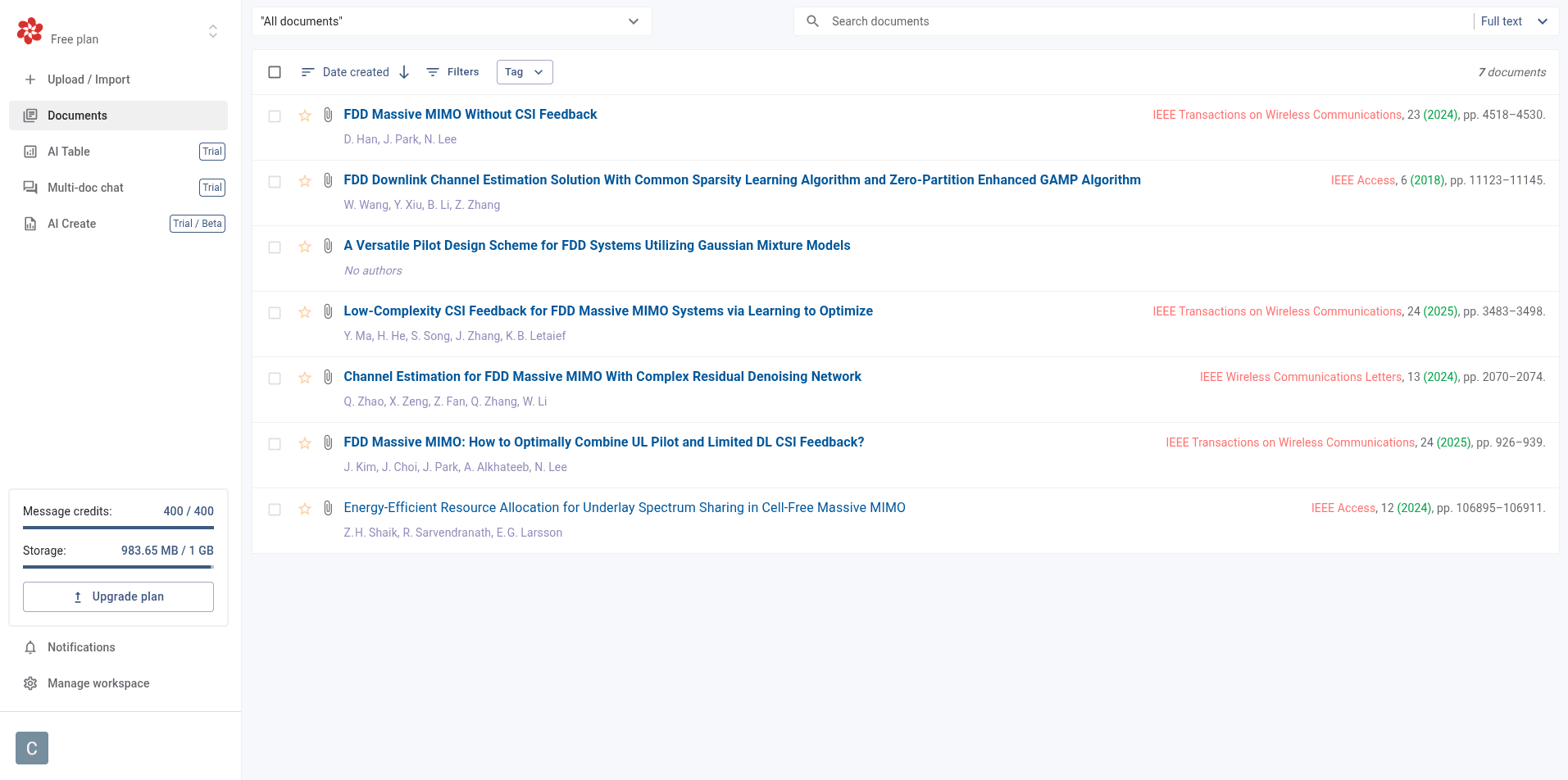
What Petal does best Petal is particularly useful for systematic and scoping reviews. It can extract key data points from multiple PDFs and present them in comparative tables, saving hours of manual work. Its AI reading assistant can also summarize, explain, and translate academic text.
Limitations to consider Many of Petal’s most powerful features are locked behind a paid subscription. The free tier is quite limited, and as with many newer tools, long-term stability and ecosystem depth are still evolving.
9. Papers
Overview Papers is reference management software designed for researchers, academics, and corporate R&D teams. It is known for its modern, "iTunes-style" interface and its recent pivot toward AI-integrated research tools.
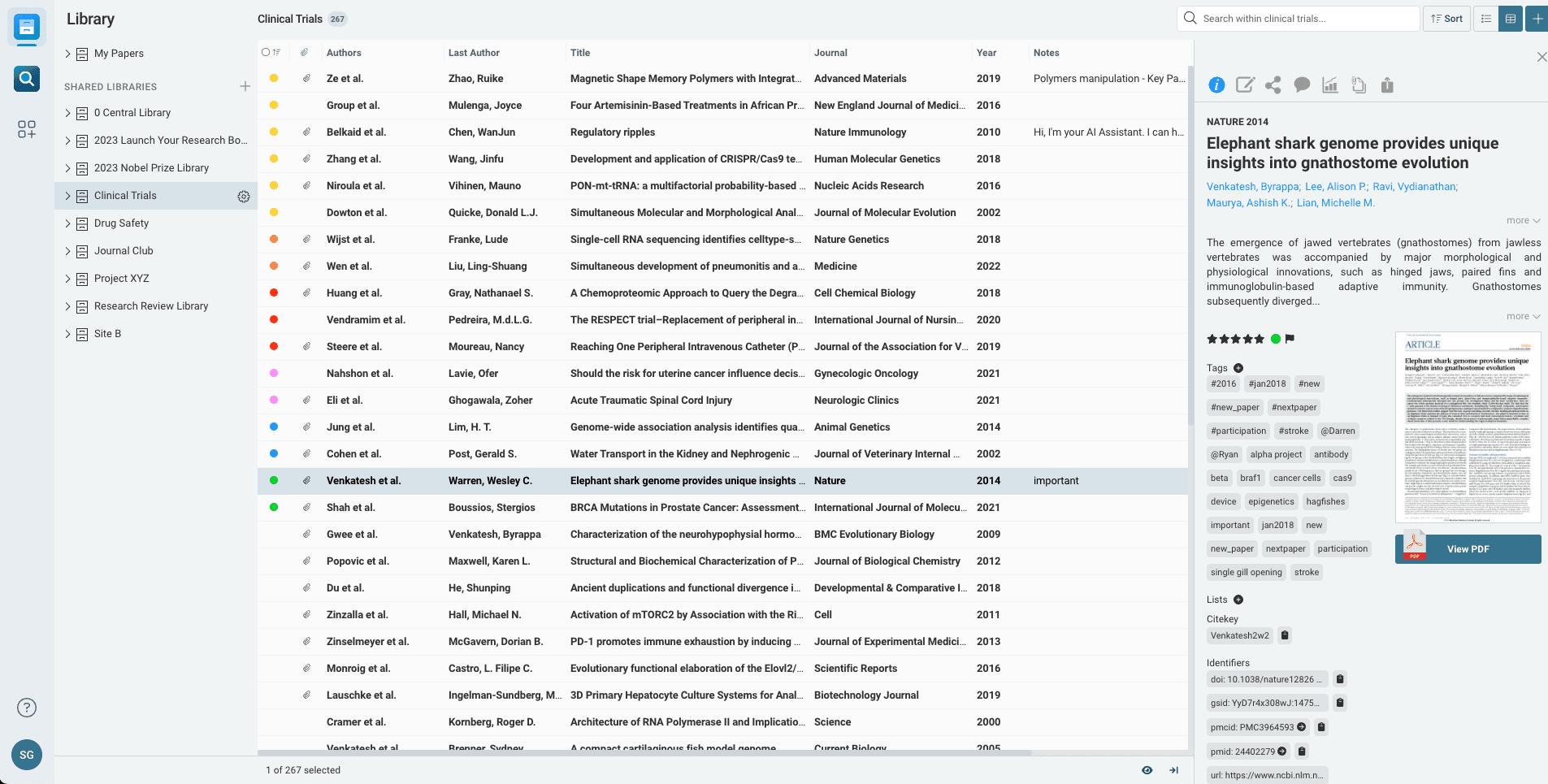
What Papers does best Papers has a highly functional viewer that supports hyperlinked inline references (clicking a citation opens that paper’s details), high-resolution figure browsers, and advanced annotation tools (highlights, sticky notes, and freehand drawing).It also includes personalized recommendations based on your library and a search engine that connects to over 150 million publications via the Dimensions database.
Limitations to consider Papers requires a monthly or annual subscription. There is no permanent free version.
Final Thoughts
Choosing the right reference or research tool depends less on hype and more on your actual workflow. Established reference managers remain essential for citation accuracy, long-term storage, and writing integration. Meanwhile, next-generation AI tools are redefining how researchers read, analyze, and synthesize literature.
For many researchers, the future will likely involve using both: a trusted reference manager for organization and citations, paired with an AI research assistant for deep understanding and insight generation.
The best tool is the one that saves you time, reduces cognitive load, and helps you focus on what matters most: producing high-quality research.